
01 / Collect
A home for your “save this” habit.
Keep the ads that catch your eye in your swipe file. Pick the reference you want to make your own.
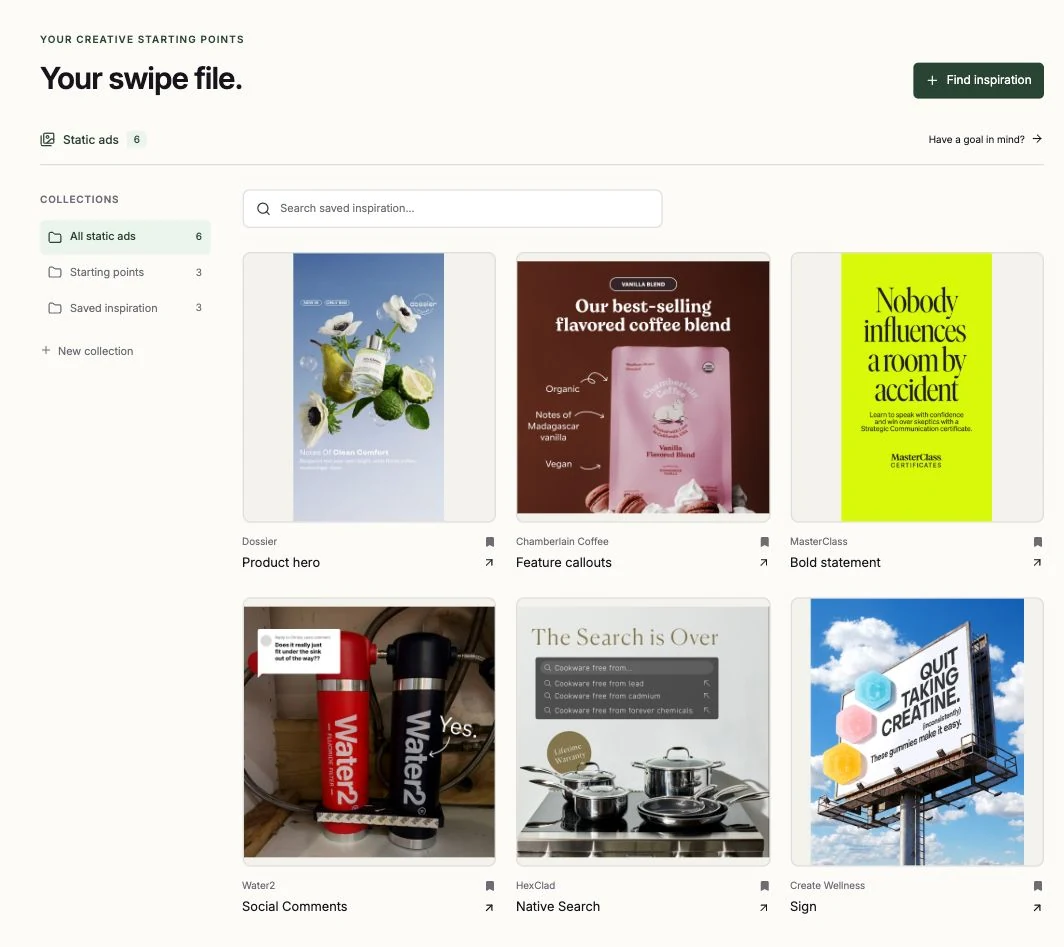

Build your own swipe file of ads from the library, then adapt them into on-brand variants for your products.

 Claude
 ChatGPT
 Codex
Codex Cursor
 Muse
Muse Grok Bot
See how a reference, your product, and your brand become a creative brief for your AI.
Bring your saved reference, brand, product, and audience into a brief your AI can use. Keep the creative direction for next time.
Keep the ads that catch your eye in your swipe file. Pick the reference you want to make your own.
Your product, colors and voice, saved together. Choose what belongs in the next creative.
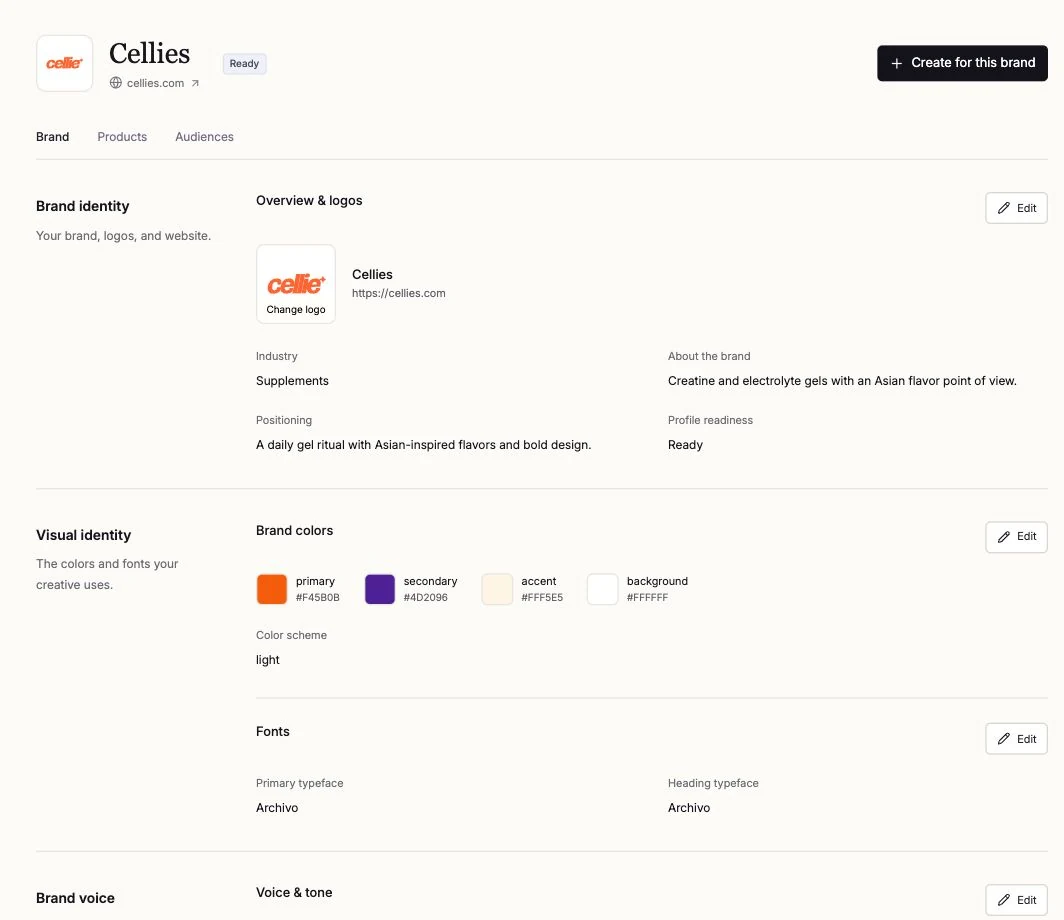
Choose your product, audience and goal. Review the direction before you create with your AI agent.

Save the reference and reusable instructions. Come back with a new product or goal when you’re ready to make more.
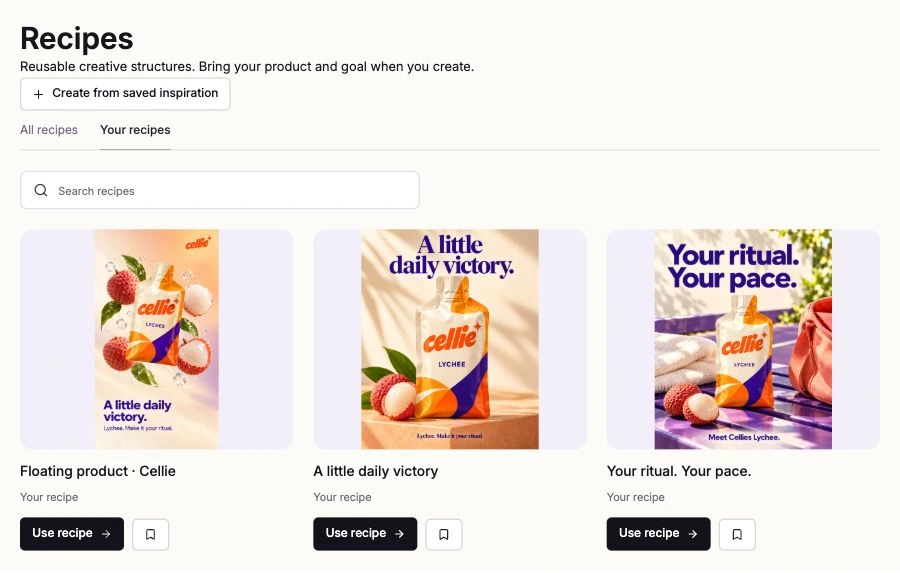
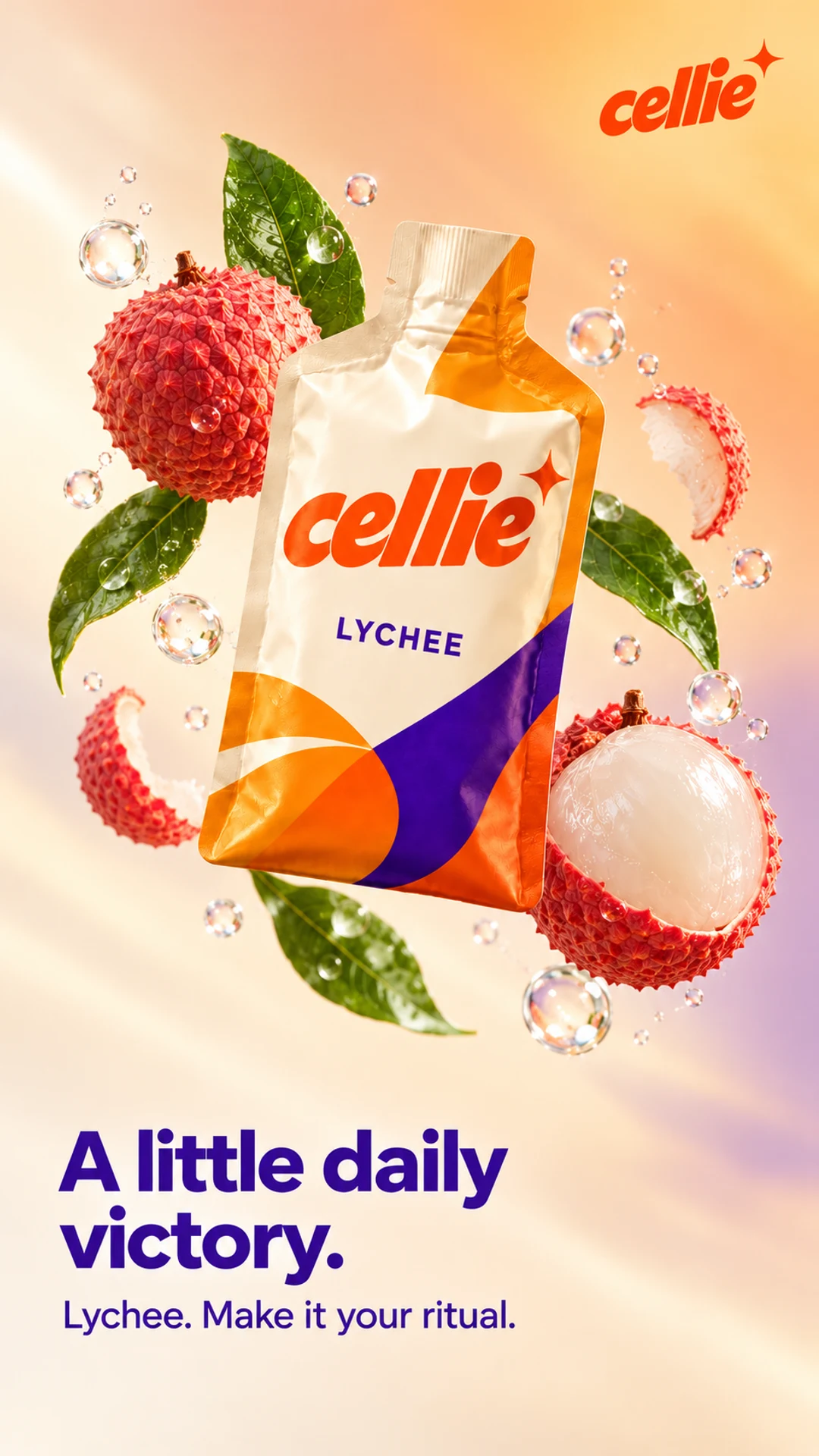
Apply a saved ad’s format to your product, colors and voice. A few Cellie examples show the possibilities.
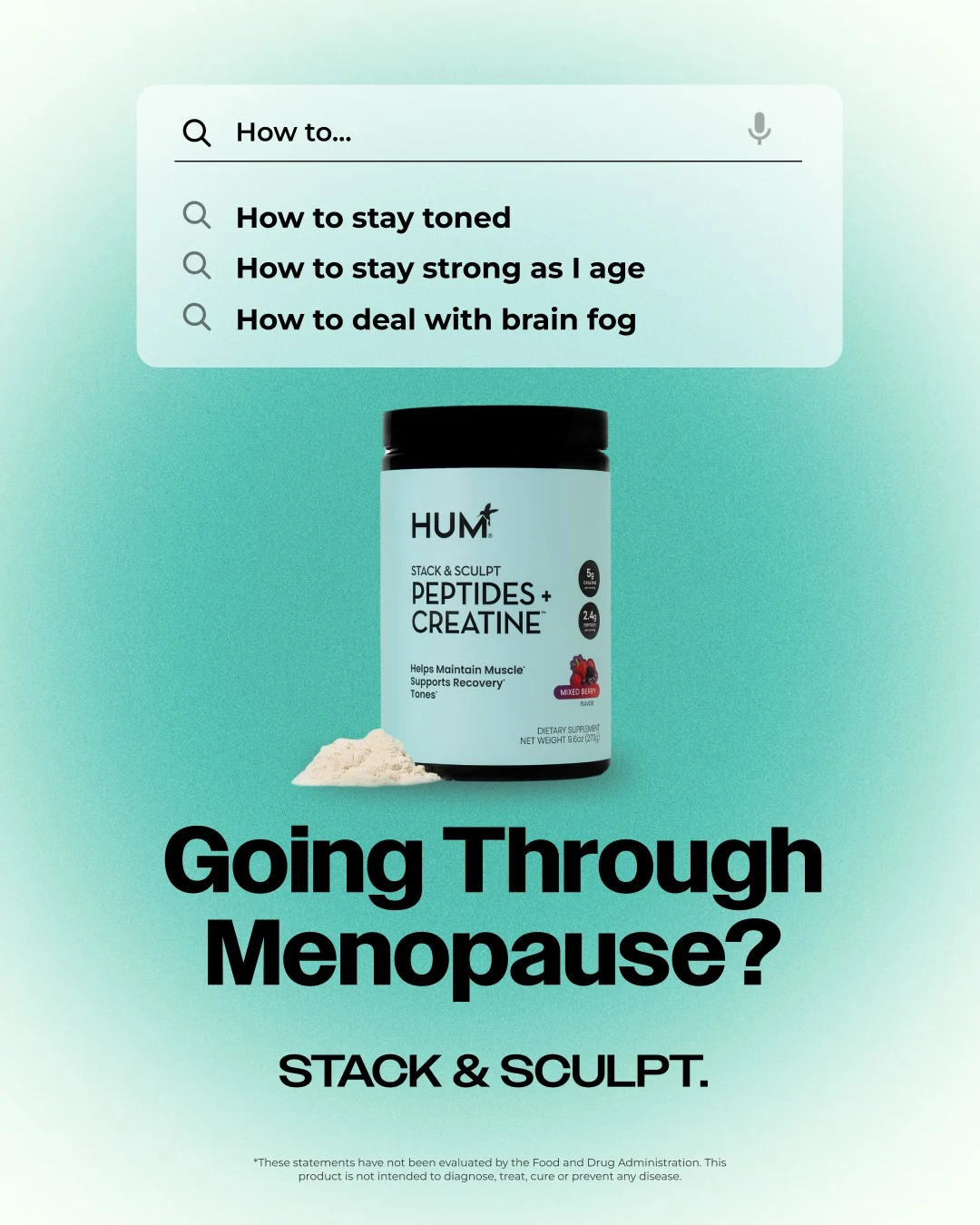
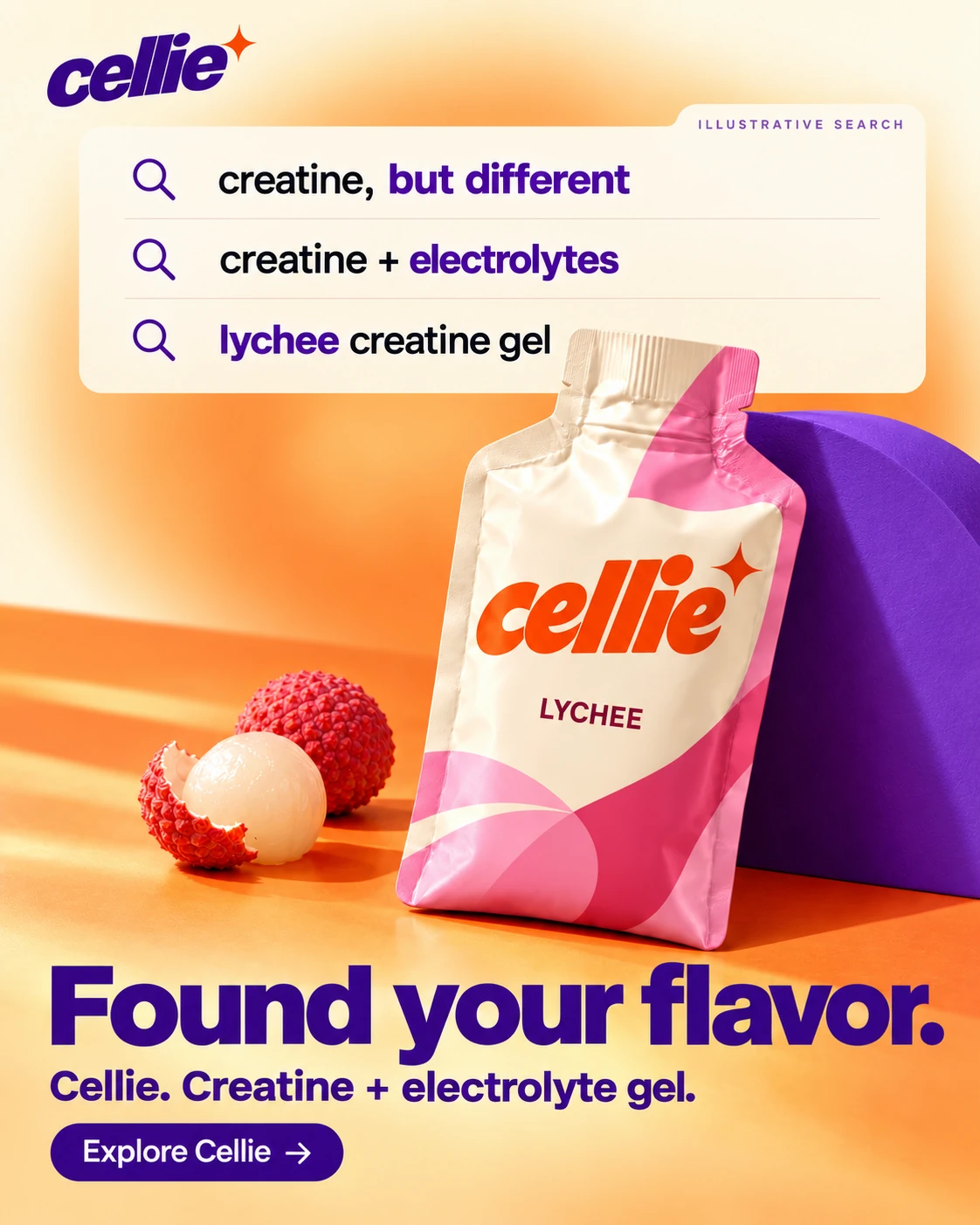
Mirror a relevant search, then make your product the answer.
Showing a native search example: Found your flavor.
Your next great idea might already be in your saved folder.
That ad you liked. A video you wanted to try. Saved for later, then left there.
After years of building products and automating creative workflows, I kept seeing the same thing: we'd find great ideas, make something cool, then start from scratch.
AI makes it easier to create. Knowing what's worth making is becoming more valuable.
That's why I'm building Bassline. We turn the ads and ideas you've saved into ready-to-use creative for your brand. Bring a reference, add your products and brand identity, and make your own version. Keep what works for next time.
Your best ideas shouldn't stay saved.

Build a collection of ads and adapt your saved references into on-brand variants for your products. Bring your own AI agent and use automated QA to spot issues before review.
A creative recipe is like a reusable template extracted from a reference ad. It captures the structure, style, and creative direction so you can adapt the approach to your brand. Tweak it and save your own version for future generations.
Bassline helps turn visual references into reusable creative recipes. Your references, brand details, product context, and saved directions stay together, so you can build on previous work without starting from scratch each time.
Use Bassline’s built-in generator or bring the brief to your own AI agent. Generate from your creative recipe, tweak the direction and result, then save the recipe to use again.
Your product details, brand assets, and an idea of what you want to make. Upload a reference or choose one from Bassline’s ad library. Save your brand profile once and reuse it in future briefs.
Yes. Upload ads and images that catch your eye, and Bassline extracts a creative recipe you can adapt to your brand. Tweak the recipe, generate your creative, and save your version as a template for future work.
Product heroes, feature callouts, bold statement ads, and other formats. Choose a reference, then adapt its creative recipe to your product and message.
Static images to start. Video is coming soon, so you’ll have more ways to bring your saved inspiration to life.
Join the waitlist with your email. No card or payment required. We’ll contact you when access is available and share pricing before you commit.
Request your invite. Give your agents something good.